Edit, fill & sign PDF forms online
Upload any PDF or pick a form from our library. Type into fields, add check marks, dates and your signature, then download a clean, print-ready copy. No software to install.
- No subscription
- Free preview
- Works on any device
Select a PDF to edit
Drag and drop or click to open the editor. PDF files up to 20 MB.
Browse for a documentPopular fillable forms
Official government forms and free blank templates, ready to fill out, sign and download.
-
Tax & Finance
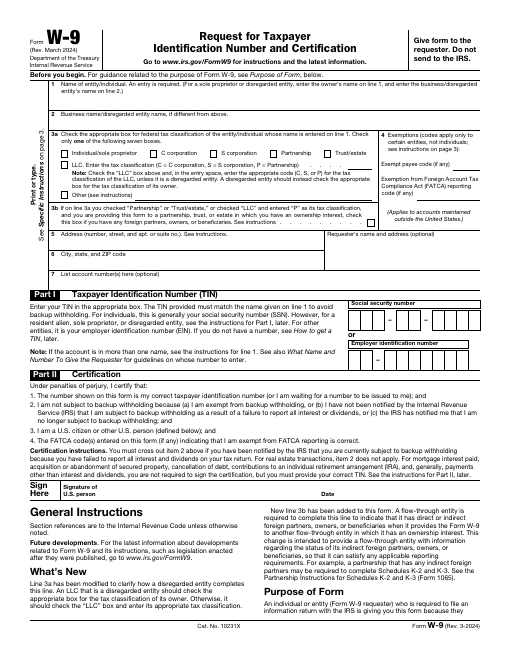
IRS Form W-9
Form W-9, Request for Taxpayer Identification Number and Certification, gives your correct name and taxpayer ID number (SSN or EIN) to a business that has to file an information return about payments to you.
-
Tax & Finance
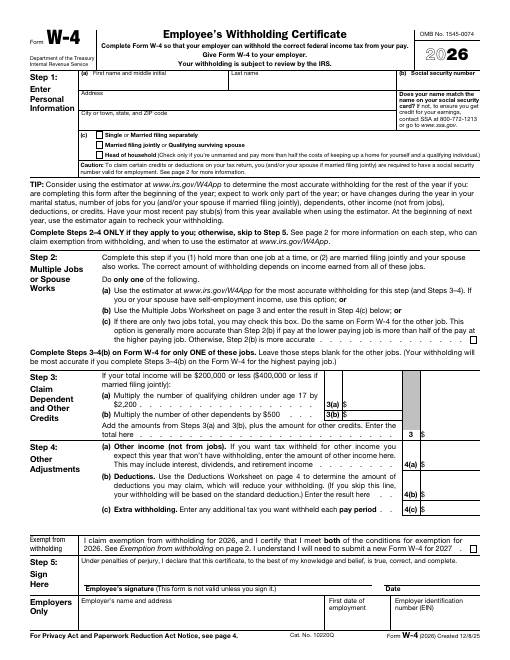
IRS Form W-4
Form W-4, Employee's Withholding Certificate, tells your employer how much federal income tax to withhold from your paycheck.
-
Tax & Finance
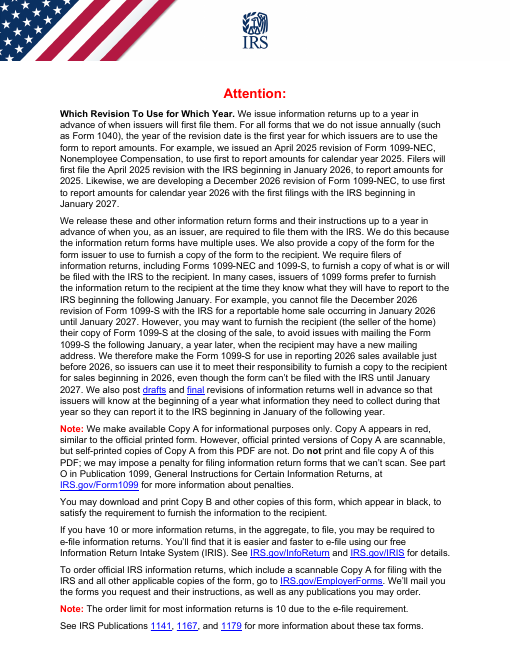
IRS Form 1099-NEC
Form 1099-NEC, Nonemployee Compensation, reports payments of $600 or more made to independent contractors and other non-employees during the year.
-
HR & Employment
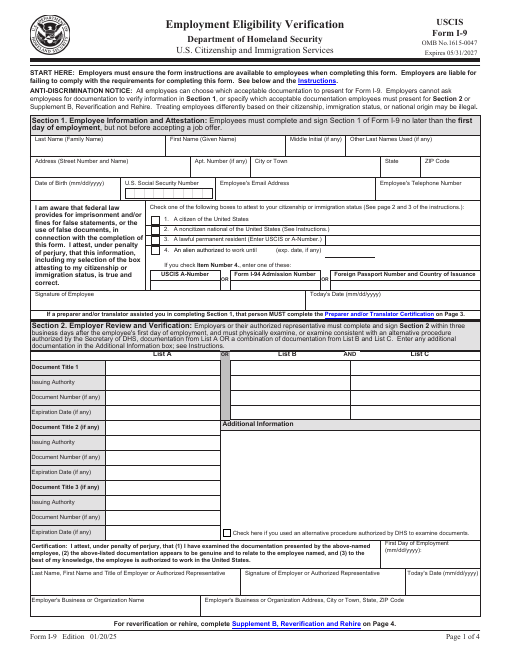
USCIS Form I-9
Form I-9, Employment Eligibility Verification, is used by U.S. employers to verify the identity and work authorization of every new employee.
-
Real Estate
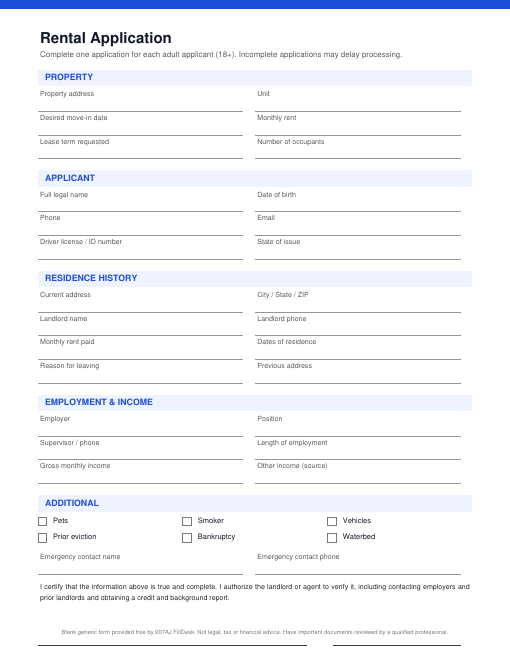
Rental Application
A free rental application form that collects an applicant's contact details, rental history, employment and income, references and authorization for screening.
-
Real Estate
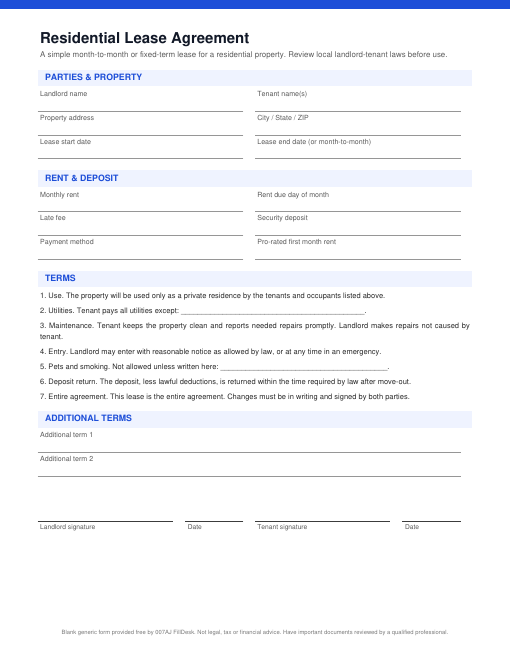
Residential Lease Agreement
A simple residential lease agreement covering the parties, property, rent, deposit, utilities, maintenance, entry and other basic terms.
-
Legal
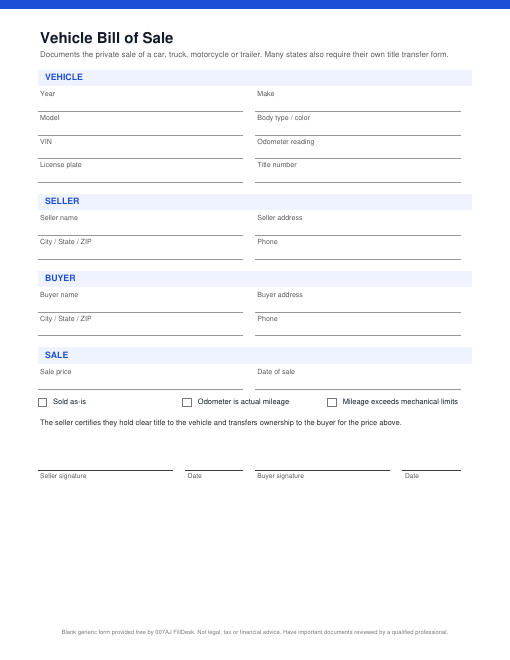
Vehicle Bill of Sale
A vehicle bill of sale for the private sale of a car, truck, motorcycle or trailer, with VIN, odometer and as-is fields.
-
Business
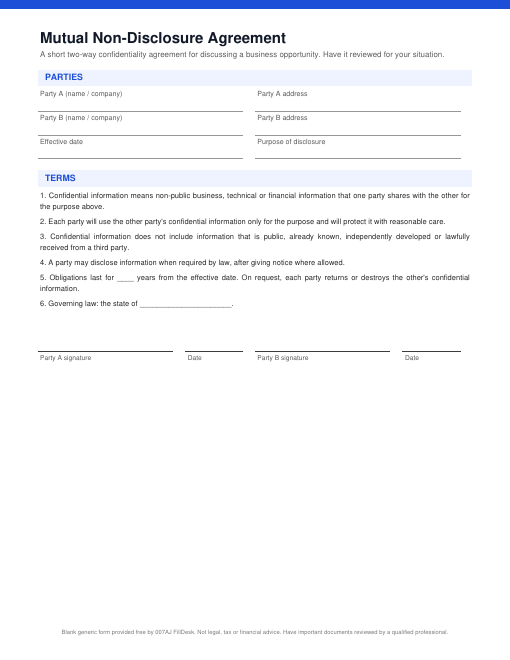
Mutual Non-Disclosure Agreement
A short mutual NDA in which two parties agree to keep each other's confidential information private while they discuss a business opportunity.
Find the right form fast
Done in three simple steps
Upload or choose a form
Drop in your own PDF or pick one from the forms library. It opens instantly in your browser.
Fill, edit and sign
Type into fields, add text anywhere, check boxes, insert dates and images, and sign with your mouse or finger.
Preview and download
Check the free watermarked preview, then pay once to download a clean, print-ready PDF.
Everything you need to finish a PDF
A complete online PDF editor with no downloads and no learning curve.
Fill & edit text
Type into fillable fields or add text anywhere on any page of a flat PDF.
Sign documents
Draw, type or upload your signature and initials, then place them anywhere.
Checks, dates & marks
Check marks, crosses, dots and one-click dates make forms quick.
Images & annotations
Add logos and photos, highlight, underline, strike out, draw and add notes.
Whiteout
Cover text or areas you do not need with the Cover tool.
Clean PDF download
Free watermarked preview first, then a clean copy for a one-time charge.
Simple, one-time pricing
Edit for free. Pay only when you download. No subscriptions and no hidden renewals.
Single download
Perfect when you need one form done today.
- Edit, fill and sign
- Free watermarked preview
- Clean, print-ready PDF
- No account needed
5 download pack
Save on a few documents this month.
- Use credits on any document
- Use credits whenever you need
- All editing and signing tools
- Secure Stripe checkout
20 download pack
Best value for busy offices and freelancers.
- Use credits on any document
- Use credits whenever you need
- All editing and signing tools
- Secure Stripe checkout
7-day pass
Unlimited downloads for a short project.
- Unlimited clean downloads
- One-time charge, no renewal
- Every form in the library
- Upload your own PDFs
Editing and watermarked previews are always free. You pay once, only when you download. Credit packs and passes are bought at checkout in the editor.
Private, secure and fair
Encrypted connection
Every page is served over HTTPS.
Auto-deletion
Unpaid drafts are deleted automatically.
Stripe checkout
Card details never touch our server.
Any device
Desktop, tablet or phone. Nothing to install.
Frequently asked questions
Is it free to edit a PDF?
Yes. Uploading, editing, filling, signing and previewing are free. You only pay when you download the clean copy without the watermark.
Is this a subscription?
No. Every purchase is a one-time charge. There are no trials that turn into recurring payments.
Do I need to create an account?
No. You can work and pay as a guest. Create a free account to keep your documents and credits in one place.
Are my documents private?
Your files are stored only so you can edit them, are never shared, and unpaid drafts are deleted automatically after a short time.
Is an electronic signature legally binding?
Electronic signatures are accepted for many documents, but rules depend on the document and where you live. See our E-Signature Disclaimer.
Which files can I upload?
Standard PDF files, including fillable forms. Password-protected and XFA-only forms are not supported.
Get your paperwork done in minutes
Upload a PDF or choose a form, fill it out, sign it and download. Free to edit and preview.
Start editing for free